
Guess what? You can automatically notify someone in your organization when an invoice is approved. They don’t even need to have a Worksuite login. This means no more emails back and forth or missed payment deadlines!
You may have an internal Accounting or Finance department that manages talent payments, or an external Accountant who needs to take action when invoices are approved.
You can set up this automation to trigger an email with the details of the invoice — giving all the right stakeholders immediate visibility into payments and freelancer spend.
Setting up invoice forwarding
- Access the account settings tab in your settings menu

- Enter the email address for any individuals you would like to receive notification of invoice status change. You can enter as many email addresses as you would like.
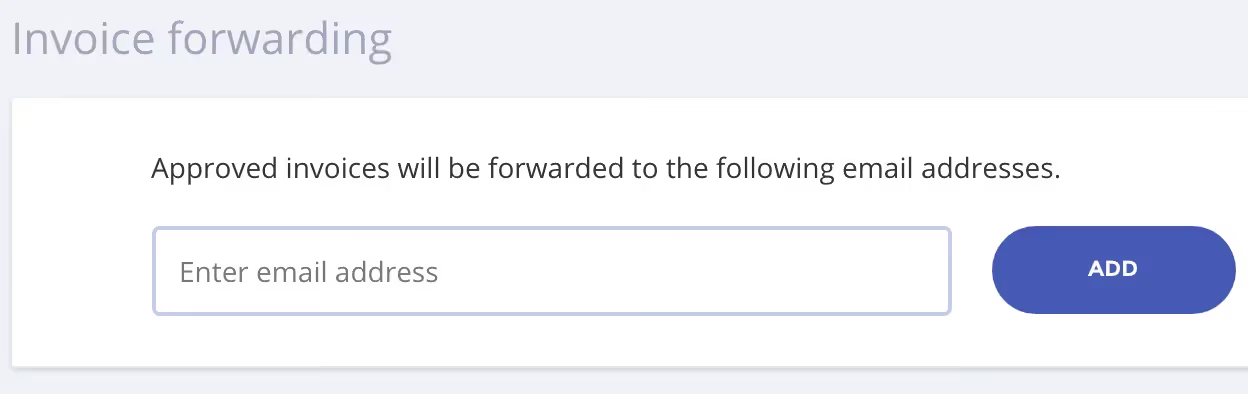
- Notifications will now be sent to the individual(s) you indicated.
Exercise
- Determine who should receive automatic notification when invoice is approved and then set up the email address for invoice forwarding.
Let’s get it live!
Congrats! You’ve completed the “Essentials” training from Worksuite Academy. Which means you’re ready to “go live” with your Worksuite environment!
If you need any help along the way, don’t hesitate to reach out to us at support@worksuite.com.
Next lesson
Overview: Contracts
View →