Spend visibility software shows what an organization spends, with whom, and against which budget, in close to real time. For most companies, that works fine for employees. However, it gets muddy when contractors and freelancers get involved.
Staffing suppliers show up cleanly in a VMS. But freelancers paid through AP, a contractor in Brazil paid by wire, and the designer billed to someone's corporate card—those don’t. Contingent spend ends up scattered across systems that don’t (and often can’t) talk to each other.
Here's what spend visibility software should show for contractor and freelance costs, and how to evaluate it to find the right option.
Key Takeaways
- Spend visibility means knowing what you're spending, with whom, on what, and against which budget, in close to real time.
- Contingent workforce spend is a common blind spot because it's spread across VMS platforms, AP invoices, cards, expense reports, and international payments.
- Freelancers and independent contractors account for only 1% of spend flowing through vendor management systems, so most direct contractor spend sits somewhere else.
- The best tools capture spend where engagements start and connect every invoice to the contract, project, and budget behind it.
What Is Spend Visibility?
Spend visibility is the ability to see what an organization spends. It’s broken down by:
- Supplier
- Category
- Department
- Project
- Budget
And it all needs to be accurate enough to reliably influence decisions.
In procurement, spend visibility usually covers purchase orders and supplier invoices across the whole business. Spend analysis tools pull that data together, clean it, and categorize it so teams can spot savings, consolidate suppliers, and catch off-contract buying.
Contingent workforce spend is a subset of that, and it’s a tricky one. A staffing supplier shows up cleanly as a vendor. But it’s harder to reconcile a freelance video editor paid directly, a contractor paid by wire, and an agency running a statement of work project. They're people and engagements (not line items in a catalog), and they rarely flow through the same system.
Why Contingent Workforce Spend Is So Hard to See
Most organizations don't have one place where contingent spend lives. They have several, and none of them talk to each other.
- Staffing suppliers run through a VMS. Vendor management systems track temp labor and SOW work well. But according to SIA, independent contractors and freelancers made up just 1% of the $303 billion flowing through VMS platforms in 2025, even though independent contractors account for 16.5% of contingent workforce revenue in the Americas. Direct contractor spend mostly goes somewhere else.
- Direct contractors run through AP. Freelancers invoice individual managers, who forward them to accounts payable. The invoice gets paid, but it's coded to a department budget rather than a contract, project, or worker type.
- Some spend never touches AP at all. Corporate cards, expense reports, and one-off wires all pay contractors outside any workflow built to track them.
- International payments fragment it further. Different currencies, payment methods, and processors mean the same contractor program can show up in three or four ledgers.
Everest Group's 2026 report, Compliant Workforce by Design, found that:
- Only 15% of organizations are largely or fully automated in contingent workforce management
- 50% run on fully manual or minimally automated processes
- 31% of contingent workforce leaders rank a fragmented technology stack among their top three challenges
What Spend Visibility Software Needs to Show
For contingent workforce spend, these are the views you need to be able to see.
Spend visibility without compliance context tells you how much you paid, but not whether you should have. You need both.
Visibility vs. Control
First, you need visibility. But seeing spend clearly is only half the job. The other half is stopping the wrong spend before it happens.
A dashboard that shows a project went 30% over budget is useful at the post-mortem. But a system that blocks the invoice that would have pushed it over is objectively better.
For contingent workforce programs, control usually means a few specific things:
- Budget enforcement on SOWs and projects. Invoices that would exceed the remaining budget get blocked or escalated before approval.
- Contract gating. No signed contract, no approved invoice.
- Duplicate detection. The same invoice submitted twice gets caught at submission.
- Rate validation. Invoices that don't match the agreed rate get flagged before payment.
When those controls run at the point of approval, the spend data you report on later is cleaner by default.

How to Evaluate Spend Visibility Software
Every tool looks great in the demo, but these are the questions you need to ask to make sure it’s practical and valuable for your organization:
- Where does the data come from? Spend captured at the source, when engagements and invoices are created, is more accurate than spend reconstructed from AP exports after the fact.
- Does it cover every worker type? If it only sees staffing suppliers or only sees freelancers, you'll still be stitching reports together.
- Can you drill down? From a total, you should be able to click through to the entity, project, worker, contract, and individual invoice.
- How current is it? Real-time or daily data supports decisions. Month-end data supports explanations.
- Does it handle multiple entities and currencies? Global programs need consolidated reporting in a base currency without losing the local detail.
- Does it sync with your ERP? Two-way integration with accounting systems avoids double entry and keeps finance working from one set of numbers.
- Are controls built in? Reporting alone won't stop overspend. Look for budget enforcement, contract gating, and duplicate detection.
Procurement suites and spend analysis tools are strong across supplier and purchase order spend. For direct contractors, freelancers, and SOW work, the more useful question is whether a tool captures spend where the engagement starts, alongside the contract and classification behind it.
How Worksuite Delivers Contingent Workforce Spend Visibility
Worksuite captures contingent spend where it starts. Every engagement begins with a contract, and every invoice ties back to that contract, the project, and the budget it belongs to. Finance gets spend broken down by entity, team, project, vendor, and worker in real time.
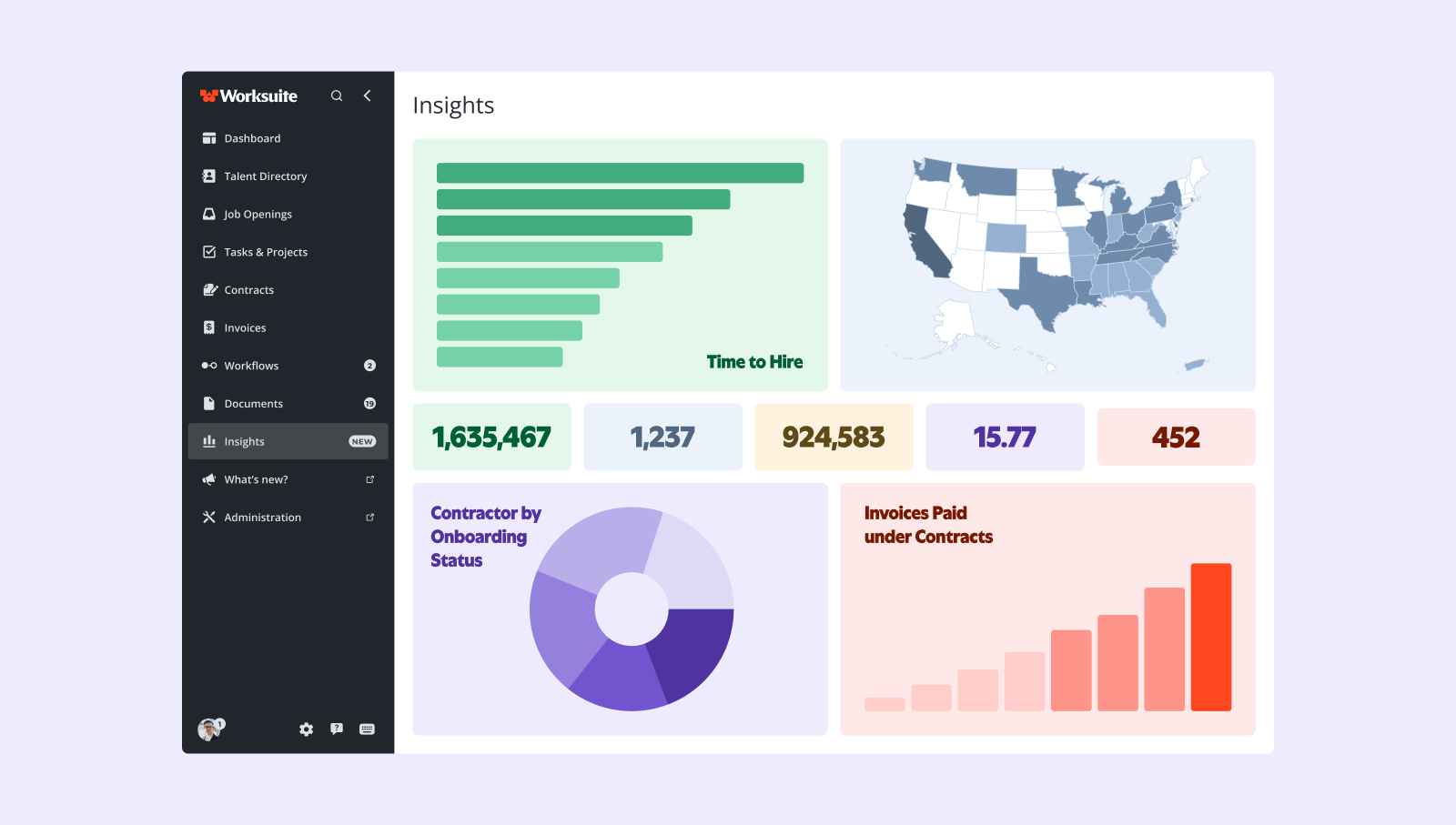
Controls run before approval. SOW budgets block invoices that would exceed the remaining balance, unsigned contracts block payment, and duplicate invoices get caught at submission. Workforce analytics show contractor spend alongside headcount, compliance status, and time to onboard, so spend and risk sit in the same view.
Worksuite syncs two-way with major accounting and ERP systems, so finance works from one set of numbers, and Global Pay processes payments in 190+ countries and 120+ currencies. For multi-brand organizations, network-level reporting rolls spend up across entities while keeping rosters and budgets separate by brand.
For example, take the Motley Fool. Before Worksuite, its finance team processed contractor invoices one at a time and paid international contractors by wire. After moving its program onto Worksuite, it consolidated invoicing and payments for roughly 600 contractors in four currencies, and hiring managers gained real-time visibility into what they were spending.
Book a live demo to see what your contingent workforce spend could look like in one place.

FAQ
What is spend visibility?
Spend visibility is the ability to see what an organization spends, broken down by supplier, category, department, project, and budget, accurately and quickly enough to act on it. For contingent workforce programs, it means seeing contractor and freelance spend by worker type, entity, project, and country in one place.
What is contingent workforce spend?
Contingent workforce spend is everything an organization pays non-employee workers and the providers that supply them. That includes staffing suppliers, freelancers, independent contractors, statement of work vendors, and workers engaged through an agent of record or employer of record.
Why is contractor spend so hard to track?
Because it's spread across systems. Staffing suppliers run through a VMS, direct contractors through AP, and some payments through corporate cards, expense reports, or international wires. Without one system capturing spend at the source, finance has to reconstruct the total from several partial reports.
How does Worksuite prevent contractor overspend?
Worksuite validates invoices before approval. SOW and project budgets block invoices that would exceed the remaining balance, invoices tied to unsigned contracts are blocked, and duplicate invoices are caught at submission, so overspend gets stopped before payment rather than discovered afterward.